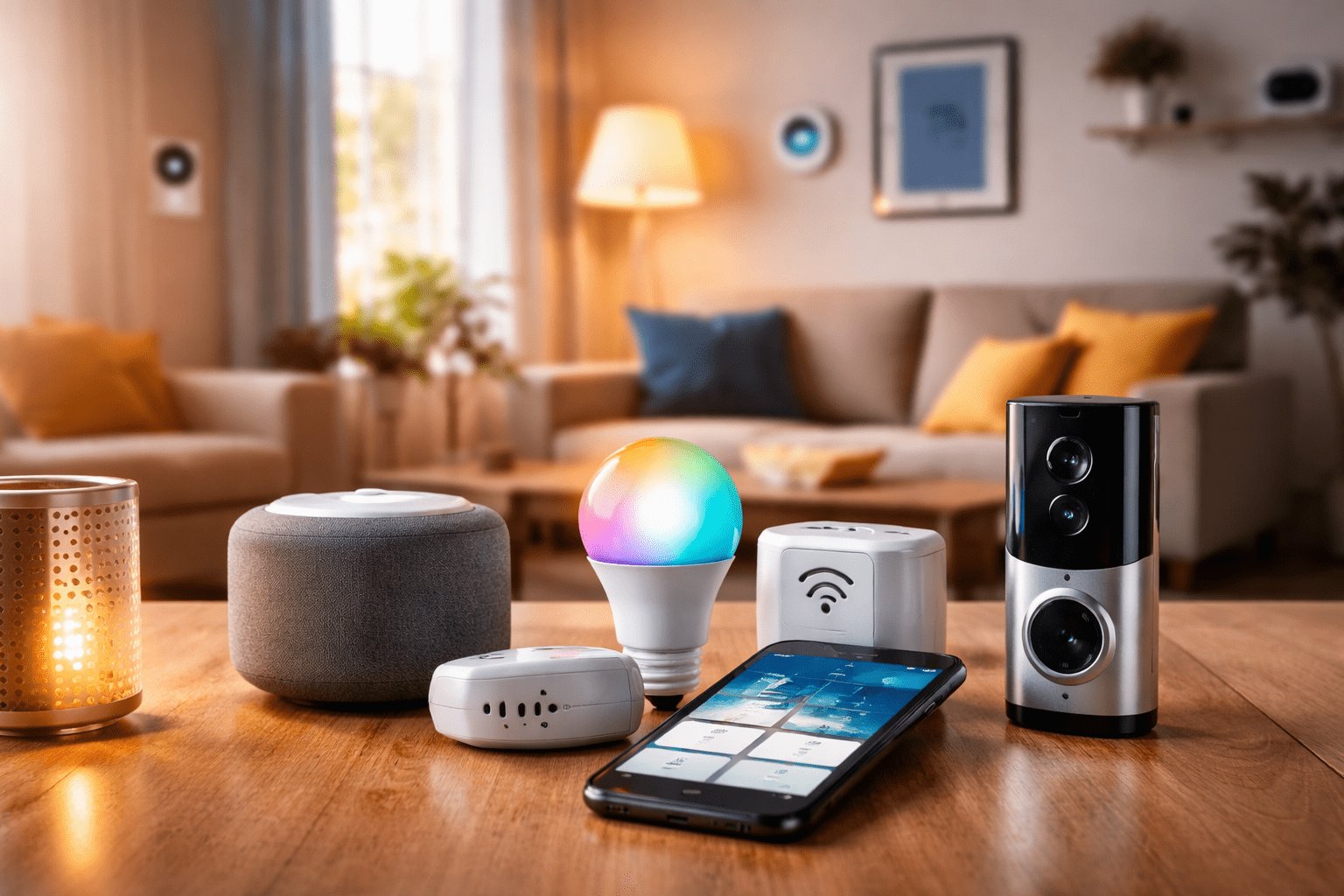
The transition to a smart home can be challenging for individuals who have never lived in one before, despite the fact that it has the potential to make life simpler, safer, and more efficient. In the same way that Tong its Star best licensed, is a secure and enjoyable place to play, novices may experience difficulties that they did not anticipate when using smart devices. Errors of this nature can result in a variety of issues, including devices that are incompatible with one another, missing network issues, and even potential security threats. Here are some of the most common mistakes that people make when they first begin using smart homes, as well as guidance on how to avoid making those mistakes if you are new to smart homes.
1. Buying Devices Before Planning Your Smart Home Ecosystem
One of the biggest mistakes new users make is buying smart gadgets on a whim, without thinking about how they will work together. Ecosystems are what make smart homes work. Examples are Amazon Alexa, Google Home, and Apple HomeKit. If you buy devices from different platforms without checking to see if they work together, your systems could become fragmented, which means that the devices won’t be able to talk to each other properly.
Tip:
- First, choose a main smart home system.
- Before you buy, make sure the device will work with it.
- Use platforms like Matter or Zigbee that are made to make it easier for different systems to work together.
2. Ignoring Wi-Fi and Network Limitations
A lot of smart devices need a stable Wi-Fi connection to work. People who are new to networking often don’t realize how much their network can handle, which can cause lights, cameras, or thermostats to stop working. Some common mistakes people make with their networks are using one router for a big house, not updating the firmware, or putting devices out of range.
Tip:
- Buy a good mesh system or Wi-Fi router.
- Put devices close enough to your network.
- Both routers and devices need to have their firmware updated.
- For areas with a lot of traffic, think about devices that have Ethernet or hub options.
3. Over-Automating Too Early
You might want to automate everything right away, like the lights, blinds, temperature, music, and security, but too much automation too soon can be too much. Beginners often make routines that are too complicated to handle, which can lead to confusion or devices acting in strange ways.
Tip:
- Start with easy automations, like turning lights on and off or setting a schedule for your thermostat.
- Before adding more routines, test each one on its own.
- As you get used to your system, slowly add more to it.
4. Overlooking Security and Privacy
Smart devices gather information, and people who are using them for the first time may not pay attention to security settings. Some common mistakes are leaving the default passwords in place, not setting up two-factor authentication, or not securing cameras and smart locks.
Tip:
- Change the default passwords on your devices right away.
- When you can, turn on two-factor authentication.
- Be smart about where you put security cameras; don’t point them at private areas.
- Check device permissions and access on a regular basis.
5. Choosing Gadgets Over a Strategy
Purchasing electronic devices solely for the purpose of acquiring the most recent technology without giving any consideration to whether or not they actually fulfill your requirements is yet another common mistake. A high-end smart refrigerator, for instance, might have a great appearance, but it might not be very useful if you don’t make frequent use of the technological features it offers.
Tip:
- Seek out devices that are truly helpful, such as smart lighting that reduces energy consumption or a smart lock that simplifies the process of doing things.
- You should prioritize the devices that are compatible with the other devices you have in your collection.
- You should avoid purchasing electronic devices that could become obsolete in a short amount of time and instead think about how you might develop in the future.
6. Forgetting Maintenance and Updates
Smart devices are like small computers in that they need to be updated and fixed from time to time. Many people who use a device for the first time don’t pay attention to firmware updates or troubleshooting, which can cause problems with glitches, security holes, or connectivity.
Tip:
- Check for updates to your software and firmware often.
- If there are problems, restart the hubs or devices.
- To avoid surprises, keep a simple schedule for maintenance.
7. Neglecting User Education
It is a common misconception among those who are unfamiliar with smart devices that they are simple to operate; however, every platform has its own peculiarities. It is possible that you will become frustrated, that you will not use all of the features, or that you will accidentally set things up incorrectly if you do not read the manuals or tutorials.
Tip:
- Invest some time in learning how to use the apps and devices you have.
- Take the time to consult with individuals in online groups or forums.
- The manufacturer will provide you with resources, tutorials, and troubleshooting guides; make use of these.
8. Not Considering Power and Placement
One mistake people often make is putting devices down without thinking about where they will get power or where they will be. Smart cameras, hubs, and plugs need to be in the right places and have reliable power to work right. Bad placement can make things less effective, especially for smart sensors or security cameras.
Tip:
- Before you buy, make sure you know where the power outlets are and where the best places are to put them.
- Think about how things look and how safe they are as well as how they work.
- Only use extension cords or extra outlets when it’s safe to do so.
9. Underestimating Integration Costs
Many people who are new to the concept of smart homes are unaware of the amount of money that will be required to make one functional. If you purchase multiple smart bulbs, plugs, hubs, or subscriptions, even if one of them is inexpensive, you can quickly rack up a significant amount of money.
Tip:
- Check that your budget is reasonable for both the initial setup and the ongoing subscriptions.
- Start off with a modest amount and gradually increase it over time.
- Be sure to take into account any hidden costs, such as the need to replace batteries, the amount of energy used, or any cloud services that are optional.